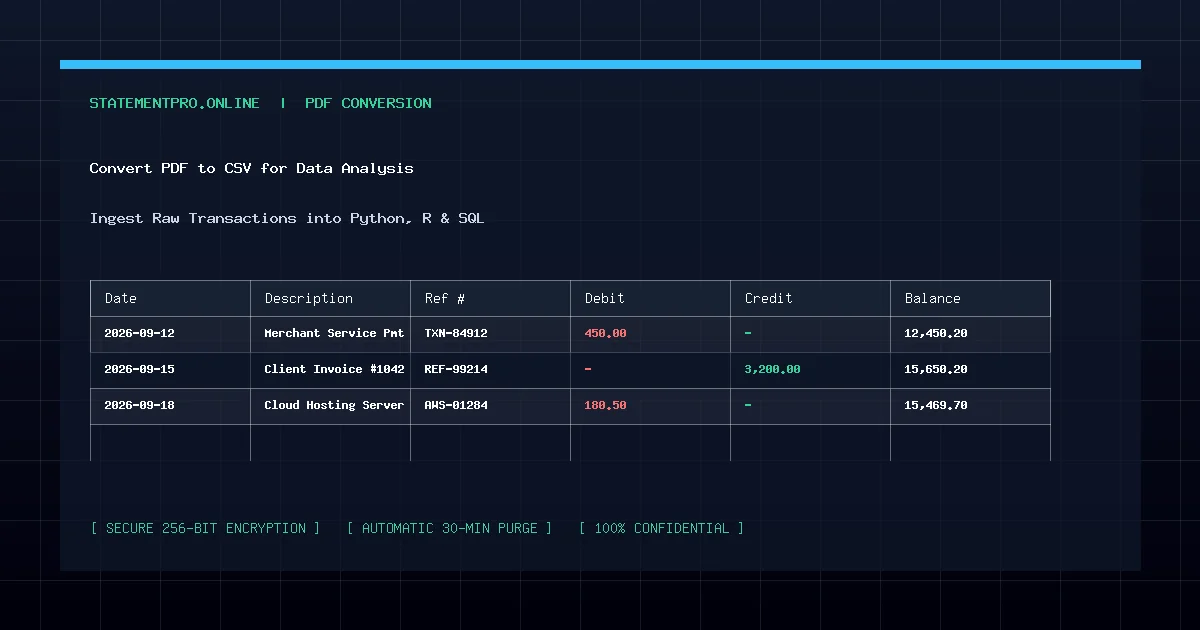
In data science, quantitative finance, and business intelligence, data acquisition is often the most time-consuming phase of any project. Vast repositories of public records, government census files, corporate earnings reports, and scientific studies are distributed exclusively in Portable Document Format (PDF). Because analytical libraries in Python, R, and SQL cannot directly ingest raw PDF byte streams, analysts must first convert PDF to CSV. A clean CSV file provides an unvarnished, high-performance bridge that feeds machine learning models, statistical analyses, and dashboard visualizations.
What Is PDF to CSV Conversion for Data Analysis?
PDF to CSV conversion for data analysis is the automated extraction of tabular data from structured PDF documents and its serialization into Comma-Separated Values (.csv). Unlike visual document exports that emphasize fonts and borders, analytical CSV extraction focuses purely on data integrity: isolating variables into clean column vectors, preserving numeric float precision, standardizing date timestamps, and ensuring consistent delimiters.
Why Is CSV the Preferred Medium for Analytical Pipelines?
Data analysts and quantitative engineers strongly favor CSV over proprietary workbook formats for multiple technical reasons:
- Instant Ingestion into Pandas & R: In Python, loading a CSV requires a single command:
df = pd.read_csv("data.csv"). The operation executes orders of magnitude faster than parsing bloated multi-tab binary spreadsheets. - Direct Relational Database Ingestion: Database engines like PostgreSQL, MySQL, and Snowflake feature ultra-fast native bulk copy utilities (such as
\COPYin Postgres) designed specifically for raw CSV input. - Clean Version Control: Because CSV is plain UTF-8 text, changes between datasets can be tracked line by line using Git version control, making analytical methodologies completely reproducible.
- Memory Efficiency: Stripping out styling layers, XML namespaces, and binary macros reduces file sizes by up to 85%, preventing memory overflow when manipulating millions of observations.
How the PDF to CSV Analytical Engine Functions
Transforming complex multi-page PDF documents into analysis-ready CSV files requires an exacting computational pipeline:
- Spatial Coordinate Mapping: The parser reads Cartesian character positions from the PDF text stream, computing horizontal word spacings and vertical baseline boundaries.
- Column Gutter Detection: The algorithm identifies whitespace channels separating discrete data fields, resolving multi-column alignments even when borders are completely invisible.
- Type Sanitization: Analytical parsers detect numbers disguised as text, stripping currency glyphs, commas, and trailing symbols while preserving negative mathematical values.
- RFC 4180 Serialization: The dataset is written to disk following strict RFC 4180 rules, escaping embedded quotation marks and enclosing string fields containing commas.
Step-by-Step Guide: How to Convert PDF to CSV for Analytics
Follow these four simple steps to prepare your data for analysis using StatementPro:
Step 1: Inspect the Source PDF
Open your PDF file and verify that the data rows are text-based rather than scanned raster images. Highlight a row of data with your mouse cursor to verify that characters can be selected.
Step 2: Upload to StatementPro
Navigate to the StatementPro PDF to CSV Converter. Drag and drop your target document into the conversion module. Multi-page datasets up to 100 pages are fully supported.
Step 3: Select CSV (.csv) Output
Ensure the output selector is set to CSV (.csv). Click Start Conversion. The parser extracts the tabular layout in seconds, aligning headers and records into structured rows.
Step 4: Download and Ingest into Your Analysis Script
Review the on-screen preview table, then click Download File. Load your new CSV into your Jupyter Notebook, RStudio, or database engine for immediate exploration.
Practical Example: Fictional Data Analysis Scenario
Consider this sample extracted dataset representing corporate sales performance across regional territories:
| Region_ID | Territory_Name | Fiscal_Quarter | Gross_Revenue | Customer_Count | Churn_Rate |
|---|---|---|---|---|---|
| REG-101 | North America East | 2026-Q1 | 1425000.00 | 1420 | 0.024 |
| REG-102 | North America West | 2026-Q1 | 1890400.00 | 1850 | 0.018 |
| REG-201 | EMEA Central | 2026-Q1 | 1120500.00 | 980 | 0.031 |
| REG-301 | Asia Pacific | 2026-Q1 | 2240900.00 | 2410 | 0.015 |
When saved as CSV, every column header maps directly to a variable name, and all numeric values are clean floats ready for statistical regressions such as calculating average revenue per customer: df["ARPU"] = df["Gross_Revenue"] / df["Customer_Count"].
Common Problems in PDF to CSV Extraction
- Merged Multi-Line Headings: Reports frequently use stacked headers such as "Customer" on row 1 and "Count" on row 2. Naive converters produce two disconnected header lines. StatementPro joins stacked header tokens into unified identifiers (e.g.,
Customer_Count). - Special Characters Breaking Parsers: Unescaped commas within company names or product descriptions will offset remaining row columns. StatementPro automatically wraps descriptive strings in quotes.
- Null Value Representation: Inconsistent representations of missing data (e.g., "N/A", "-", or blanks) can confuse machine learning pipelines. Standardizing these into explicit empty fields prevents type casting crashes.
Common Mistakes to Avoid
- Skipping Sanity Checks: Always inspect row counts in your imported dataframe against the original document page count to ensure no multi-line entries were skipped.
- Ignoring Delimiter Encodings: Ensure your analysis script explicitly uses UTF-8 encoding (e.g.,
encoding=\"utf-8\") to avoid character corruption on non-ASCII symbols. - Failing to Handle Scientific Notation: Very large numbers (such as transaction IDs) can inadvertently be converted to scientific notation (e.g.,
1.45E+12). Keep raw IDs formatted as text strings.
Privacy and Security Protocols
Proprietary research datasets and business intelligence reports require rigorous data protection. StatementPro provides industry-leading privacy measures:
- All transmissions utilize TLS 1.3 encrypted HTTPS channels.
- Processing occurs strictly within volatile RAM buffers.
- Uploaded files and converted CSV feeds are permanently purged within 30 minutes.
- No datasets are logged, scraped, or retained for model training.
System Limitations
CSV files store tabular data only; they do not preserve embedded charts, vector diagrams, or multi-tab hierarchical structures. For presentations containing charts, use the PDF to Excel Converter.
Frequently Asked Questions
Can I load StatementPro CSV files directly into Python Pandas?
Yes. StatementPro produces standard RFC 4180 CSV files that can be imported instantly using pd.read_csv(\"filename.csv\") without custom parser flags.
How are negative numbers formatted in the CSV output?
Negative numbers are converted to standard leading minus signs (e.g., -450.00), ensuring immediate compatibility with programming languages and mathematical libraries.
Does StatementPro support large multi-page PDF datasets?
Yes. You can convert documents containing up to 100 pages per file, making it simple to process lengthy annual or quarterly analytical reports.
Related StatementPro Tools
- PDF to CSV Converter: High-speed conversion of PDF documents into analytical CSV files.
- PDF to Excel Converter: Extract tables into formatted Microsoft Excel (.xlsx) workbooks.
- Excel to CSV Converter: Export clean CSV data directly from existing spreadsheets.
Related Guides & Tutorials
- How to Convert a Bank Statement PDF to CSV
- How to Extract Tables from PDF Files
- How to Clean Data After PDF to Excel Conversion
- How to Organize Transaction Data in Excel
Conclusion
Converting PDF to CSV removes the technological barrier between static document archives and modern data science tools. By utilizing StatementPro’s automated, privacy-first parser, you can extract thousands of clean data rows in seconds, feed analytical models effortlessly, and accelerate quantitative discoveries.